Presentations for
people and agents
Turboslide is a slides editor in the browser. No account is needed.
194 actions
- CLI 181
- MCP 170
- HTTP 178
22 layouts
SlideApply layout
17 patterns
InsertAnimated pattern
135 shapes
InsertShape
Everything on a slide moves
Drag, resize and rotate any object. The first drag turns the slide into a canvas. Undo puts the layout back.
One name on every slide
Tools > Tailor for a customer puts one name in every slide's text and notes. Undo puts every name back.
Themes and brand kits
Pick one of nine themes, then put your colors and logo over it.
Type a color. Every slide shows it as you type, and Enter applies it.
Agents run the same actions
The CLI, the MCP server and the HTTP API run the editor's actions. The commands below change the slide above them.
Each command and answer is recorded from the CLI. The ring marks what it changed.
Version history
Version 4 of 4, recorded from the CLI.
Today
A change you make on this page is listed here.
Recorded from the CLI
- Set the rows of slide 5v4
- Set the title of slide 5v3
- Added slide 5 with the Ruled rows layoutv2
- Onboarding planv1
Share a link and edit together
Share an editor link. Each person's outline, caret and name show on the other screen. Follow keeps your view on the other person's slide.
Maya's screen
Sam's screen
A staged loop of 14 seconds, drawn with the editor's own presence marks. Click a text box on either screen to type as that person.
Present from the browser
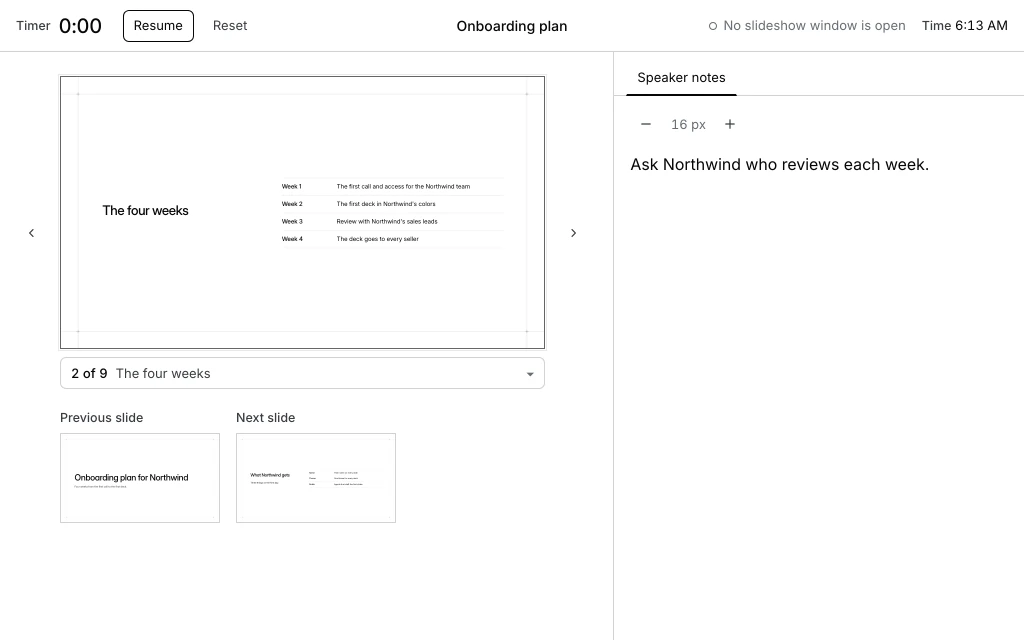
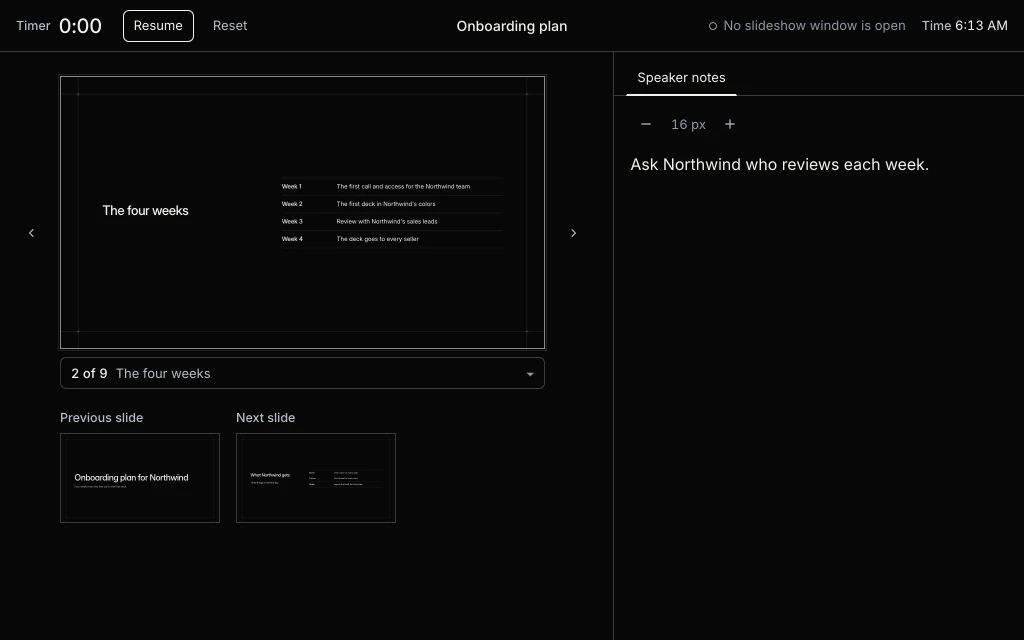
This page is a deck with your changes. Present it here or print it.
Export to PDF and PowerPoint
File > Download writes a PDF or a PowerPoint file. Drag the seam to see what each PowerPoint file holds.
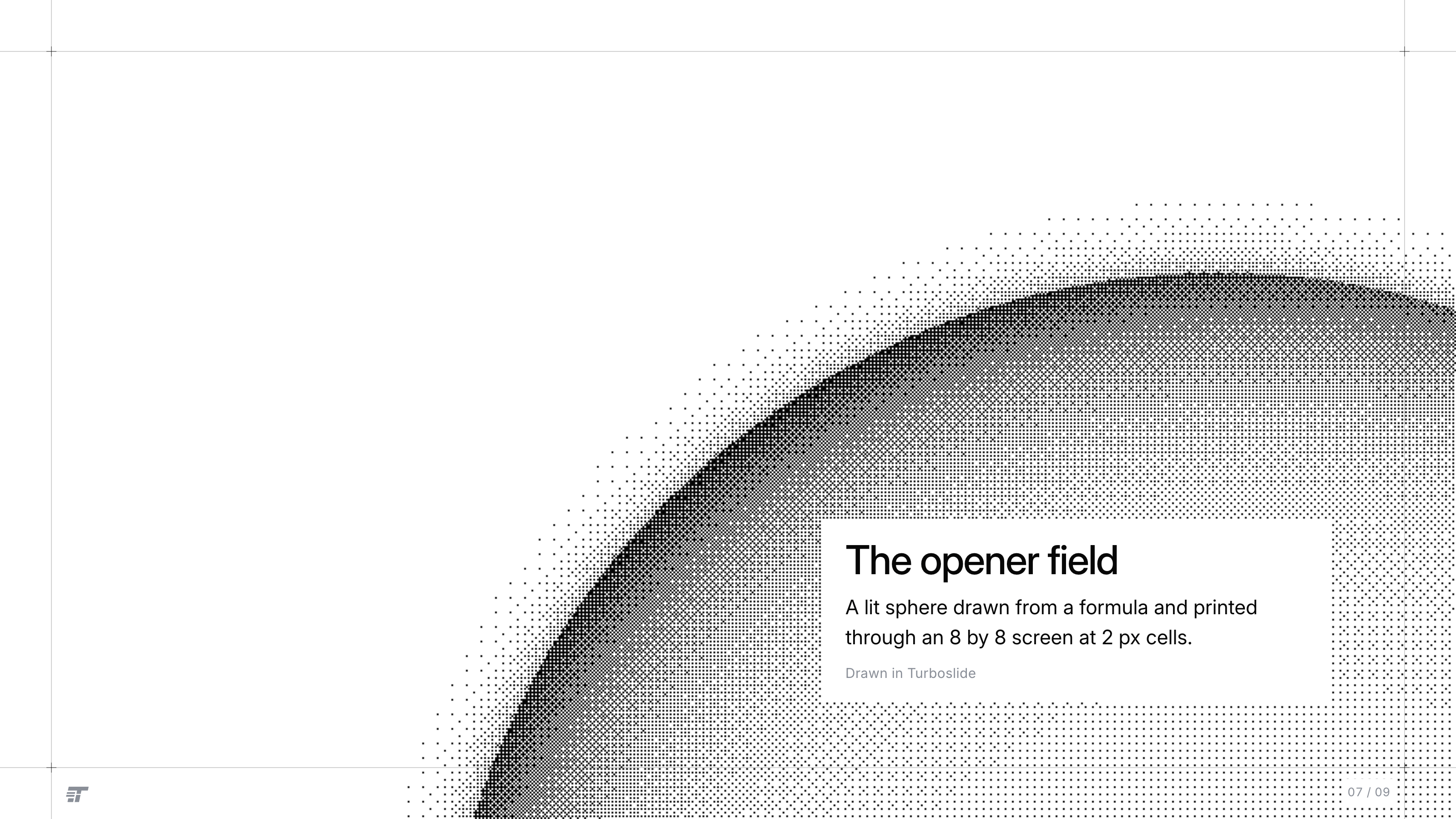
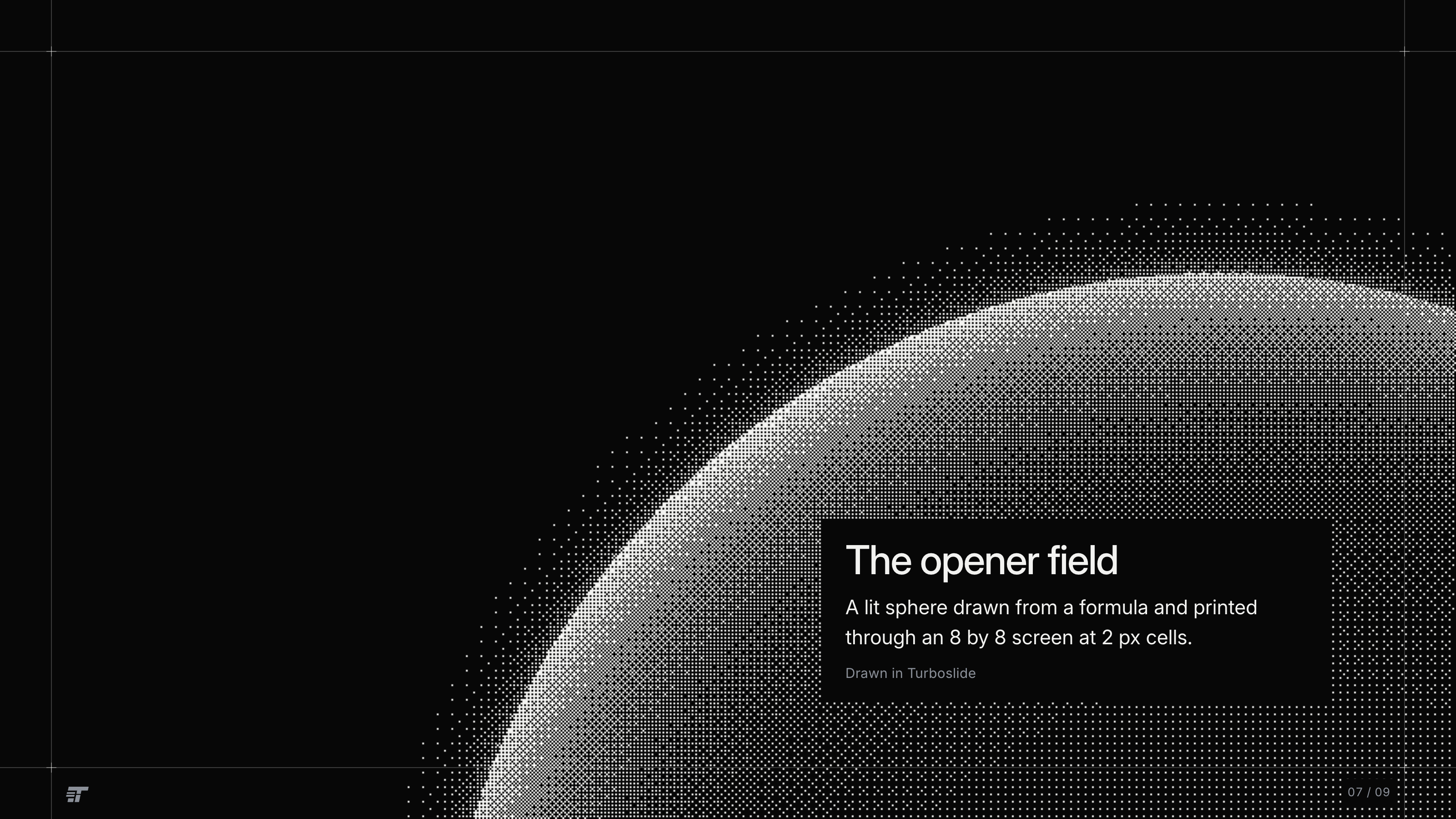
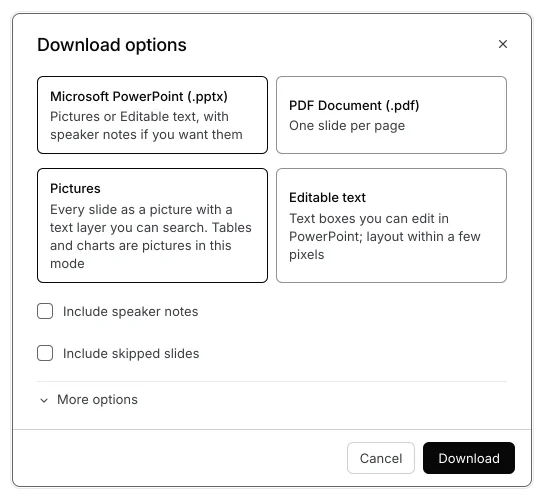
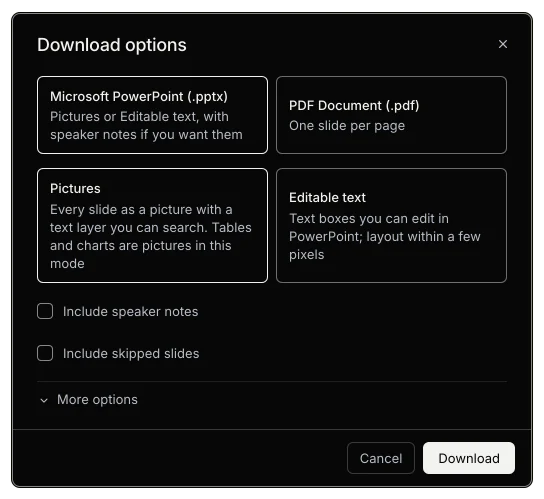
Each page is one picture, 3200 by 1800. The worst GT deck page differs from its screenshot by 0.003%.
Animated patterns
Each pattern moves on its slide in the editor and in the show. Every export carries its still frame.
In the editor and the show
In the PDF and the PowerPoint file
InsertAnimated pattern
 Liquid metal
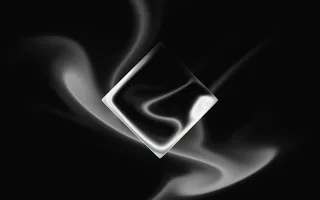 Gem smoke
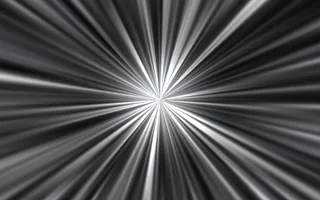 God rays
 Mesh gradient
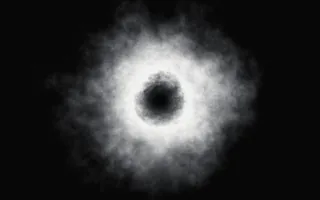 Smoke ring
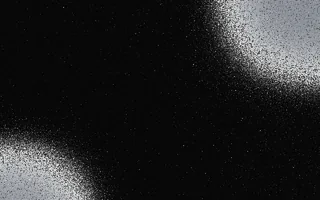 Grain gradient
 Simplex noise
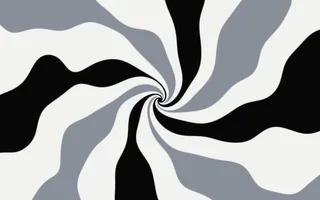 Swirl
Swirl Spiral
 Dithering
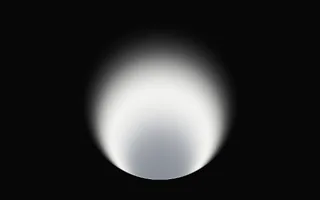 Static radial gradient
 Neuro noise
 Metaballs
 Waves
Waves Dot grid
 Perlin noise
 Static mesh gradient
Features and where to find them
- MenusFile to Help
- Tailor for a customerToolsTailor for a customer
- Brand kitSlideChange theme
- CommentsInsertComment⌥⌘M
- Version historyFileVersion historySee version history⌥⇧⌘H
- ShareShare
- Presenter viewSlideshowPresenter view
- DownloadFileDownload
- Animated patternInsertAnimated pattern
- AgentsThe CLI, the MCP server and the HTTP API
Start a presentation
No account is needed. The first edit saves it.