Features
What Turboslide does today, in six groups. Each feature links to its chapter of the documentation.
01Make
Make a presentation in the browser, with no account.


Slides and layouts
Add, duplicate, skip and move slides, and give each slide one of 22 layouts.
Text, pictures and shapes
Write and format text, add pictures and logos, draw shapes, lines and connectors, and edit tables and charts.
Themes and brand kits
Pick one of 9 themes, each with a light and a dark appearance, and lay your logo, colors, fonts and footer over it.
Animated patterns
Insert > Animated pattern places one of 23 moving patterns on a slide.
Speaker notes
Write what you will say under each slide. The notes show in Presenter view and can go into a PDF or PowerPoint file.
Version history
Every change is saved as you make it, and Version history brings back any earlier version.
Assist
The assistant shortens a slide's text or writes its speaker notes, and nothing changes until you accept.
Search the menus
Help > Search the menus finds any command by its name.
02Present
Present full screen, with your notes in a second window.


Slideshow
Present from the current slide or from the first. Skipped slides are left out.
Presenter view
A second window shows your notes, the previous and the next slide and a timer, and stays on the slide the slideshow shows.
Keys
Go to a slide by its number, turn on the laser pointer, or show a black or a white slide from the keyboard.
Present from a link
Anyone with a view link can present in the viewer, and
?present=1starts the slideshow as the page opens.Print
File > Print prints the presentation with one slide on each page.
03Share and work together
Share by link or by name, and edit together.
Links
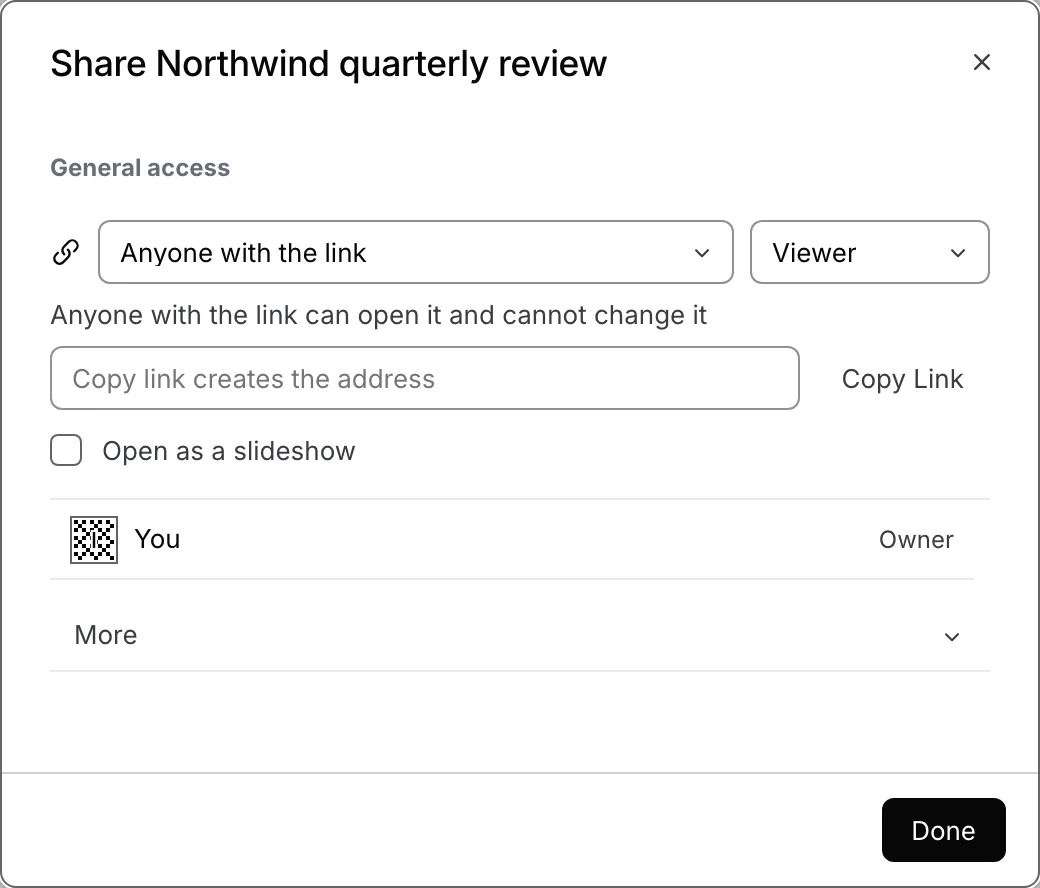
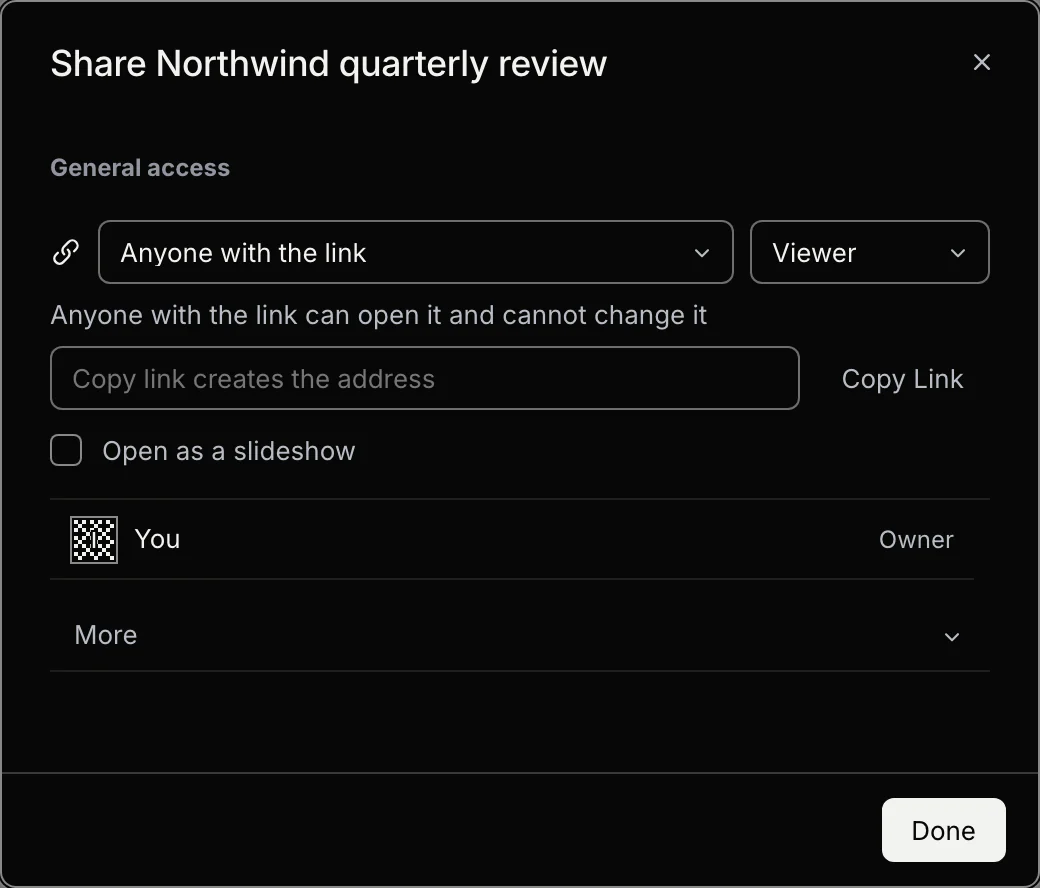
Share with anyone who has the link, as a viewer, a commenter or an editor. A link can be rotated or revoked.
People by name
Signed in, add people by email with a role and an expiration date. A person without access can ask for it.
Editing together
Several people edit one presentation at once. The title row shows a chip for each person, and live pointers show where they point.
Follow
Follow a person to keep the slide they have open on your stage.
Comments
Comment on an object, some text, a table cell or a whole slide, and reply in the Comments panel.
Signing in
No account is needed to make or present. Sign in to open your presentations on another computer.
04Export
Download what you see on the slide.
PowerPoint
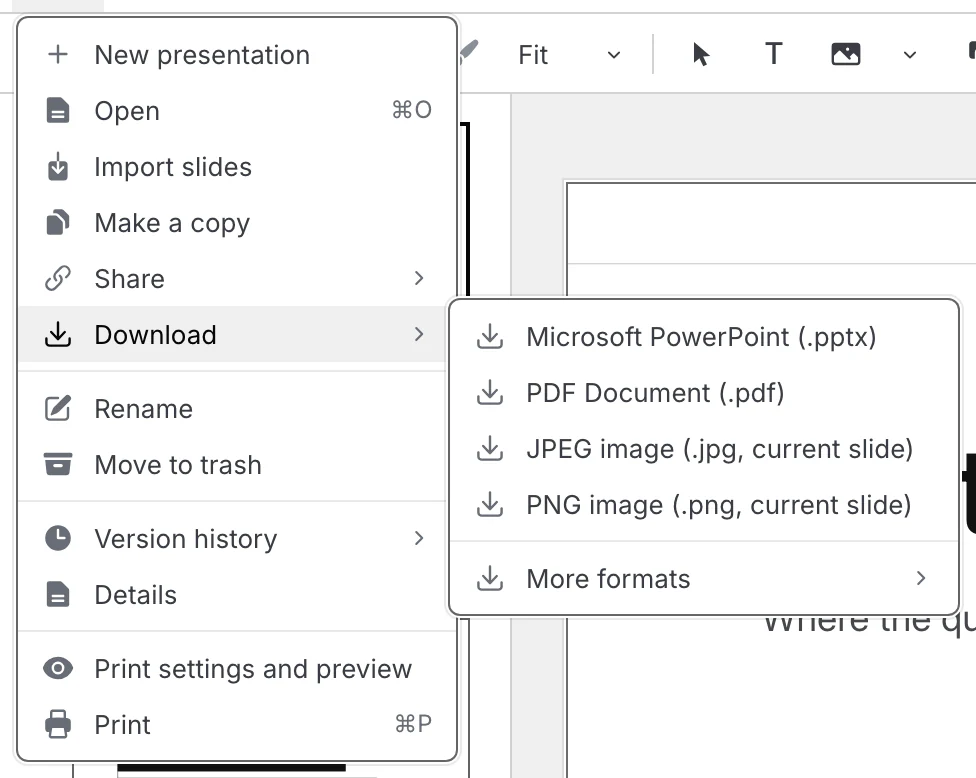
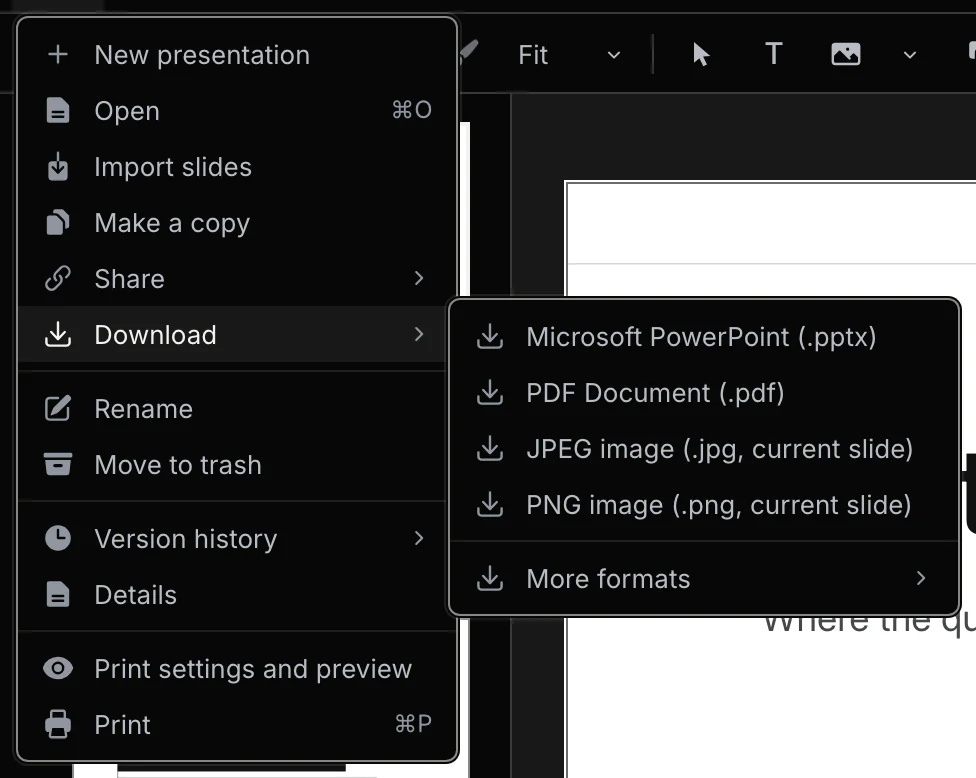
Each slide as a picture that looks the same as in Turboslide, or with text you can change in PowerPoint.
PDF
One slide on each page, with the speaker notes if you include them.
Pictures
The current slide as a JPEG or a PNG file.
Web page
One HTML file that opens in any browser and presents the slides.
Turboslide file
The whole presentation with its pictures in a .zip file that File > Open and Import slides read back.
05Agents
Every menu command is an action an agent can run.
turboslide info --jsonturboslide slide new --layout split --after titleturboslide export pptx --mode flatten --theme both --out exportsOne table of actions
201 actions, each with one input schema that every transport checks the same way.
Command line
188 actions as
turboslidecommands, with JSON output and exit codes.MCP
177 actions as MCP tools, over standard input and output or over HTTP at
/mcp.HTTP
180 actions at
POST /api/actions/<id>, described by an OpenAPI file.The page API
185 actions in an open page through
window.turboslide.studio.Skills
Four skills teach an agent to write slides, call the actions, drive an open page and check its work.
Revisions and leases
A write names the revision it read and is refused with 409 if the presentation changed. A lease reserves a slide for ten minutes.
06Run it yourself
Run the studio from its repository on your own computer or server.
git clone https://github.com/Kevin-Liu-01/Turboslide.gitcd Turboslidecorepack enablepnpm installpnpm devOpen source
The studio, the command line and every package they use are in one repository under the MIT License.
Your computer
pnpm devstarts the studio at localhost:4321 and keeps each presentation as a folder underdecks/.A server
The same code builds a Node server or a Vercel deployment.
Storage
Keep presentations in a folder, a temporary folder or Vercel Blob, with an optional private store for the documents.
Accounts
Turn on sign in with Google, GitHub or email, with the accounts in Postgres or SQLite.
Switches
The admin turns a feature such as downloads off without a deploy.